
- 1
Your project
Your code, your documents, your decisions and your plan.
- Code
- Documents
- Decisions
- 2
Your AI agents
Paste one Kutaway link into the AI you already use, and ask it to map your system. It updates the map with every change.
- Claude
- Codex
- Gemini
- Grok
- 3
Kutaway
Reads every update, marks each card as found in your code or not yet, and sends the AI back to step 2 to fix what is off.
- Plain words on every card
- Nothing removed without a reason
- 4
The map
Your team, clients, partners and investors read it and ask questions on the cards.
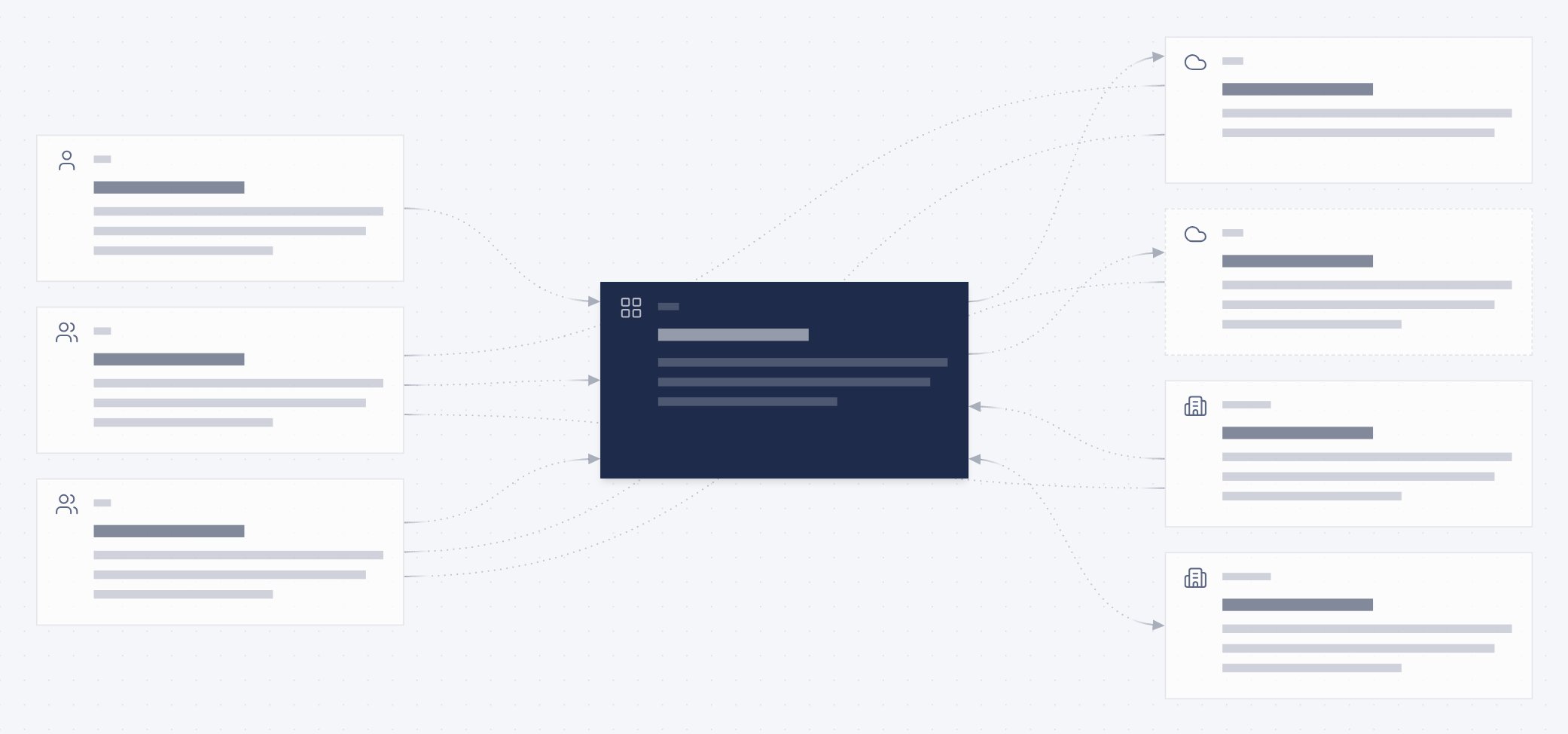
Your code stays with your AI agent. Kutaway stores only the map, private until you share it.
Why it exists
Diagrams go stale. Then nobody trusts them.
So clients ask in meetings, new developers ask the team, and investors get a slide. How the product works stays in the code and in people's heads.
A diagram someone drew
- Someone draws it once, by hand.
- After the next release it is wrong, and nobody fixes it.
A Kutaway map
- Your AI agent writes it from the code and your notes.
- It is updated with every change.
See it
Four ways to see Carvuu, a real car app.
Every view reads the same map. Click the picture to see it bigger.
Map our code in Kutaway, then keep the map up to date with every change you make.
YouSaved version 11: 3 kinds of people, the 3 outside services they notice, and inside Carvuu 3 apps and 19 features. I checked every card against the code. “Print a card” stays Not built yet, since only the plan mentions it.
Why not just ask Claude, Codex or Grok?
Any AI can draw a diagram. Kutaway keeps it right.
Every map reads the same
People and services around the system, apps inside it, features inside the apps.
Better with every mistake
When an AI gets something wrong on any map, Kutaway turns it into a rule for the next one.
A check on every update
Kutaway reads each update and sends your AI back to fix what is unclear.
Honest about what is built
Cards say Not built yet or Not confirmed until the code shows them, so nobody reads a plan as a fact.
A change log people can read
Who changed what, through which AI, and why.
You decide who sees it
A map is private until you invite someone, with view, comment or edit access you can take back.
Proof
We map Kutaway with Kutaway.
- 41
- versions of our own map in its first 6 days, as the product changed
- 82
- cards: the people, apps, features and services of Kutaway
- 97 to 11
- issues Kutaway flagged on its own map, from version 1 to version 41
Questions
What people ask first.
Isn't this like Miro?
No. On a whiteboard people draw boxes by hand and keep them up to date by hand, so the diagram goes stale. In Kutaway nobody draws: your agent writes the map from the code and the decisions, in one fixed structure, and updates it with every change. People read the map, comment on it and follow what changed.
Why can't I just build this with Claude or Codex?
You can get a diagram tool out of Claude in an afternoon. What you will not get is the standard behind it: what belongs on the map, how to structure it, how to word it, and the checks that keep it right after months of changes. Ask a hundred times and you get a hundred different tools. Kutaway is that standard and that guidance, built over years of documenting real systems, plus the guardrails that hold every agent to it.
Which agents work with it?
Claude, Codex, Gemini, Grok and other AI assistants that can use outside tools. You add Kutaway to your assistant with one link. We use Claude every day; we have not tested each of the others ourselves yet.
Who can see my map, and who owns it?
Only you and the people you invite. Every map is private when it is made. You choose who can view, comment on or edit it, and you can take access away at any time. This is locked on our servers, not just hidden on the screen. Maps are stored in the EU, in Frankfurt. Everything you put in Kutaway stays yours, as the Terms say.
Does Kutaway read my code?
No. Your agent reads your code on your side, with your access, and sends Kutaway only the map. Kutaway runs no AI of its own on your code.
What does it cost?
Free during the beta. Reading a map is always free.
Does my client need to pay or install anything?
No. They sign in with Google and read the map in the browser. Reading a map is free.
Cut away the guesswork.
Kutaway is in a closed beta. Join the waitlist and we let your team in as soon as there is room, or write to hello@kutaway.com and we set up your first map together.
Join the waitlistFree during the beta. Reading a map is always free.